How to Track Competitor Prices on Zid
Compare the same products across competitor stores, check catalog and write permissions, and choose a pricing workflow that uses the data your Zid connection supplies.
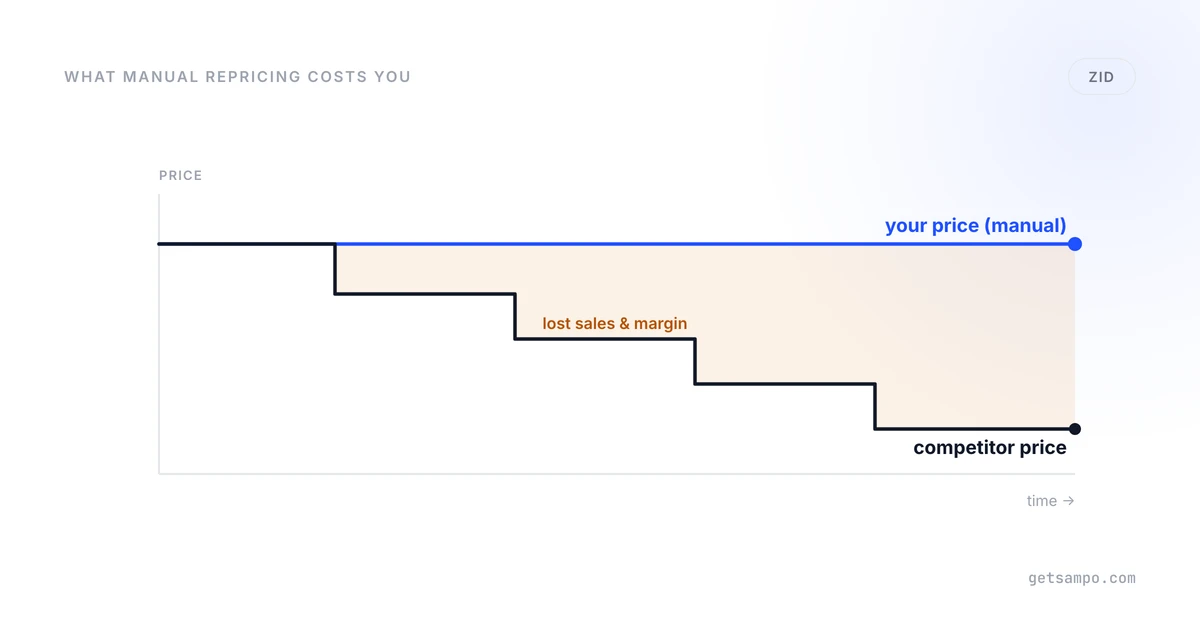
For a Zid merchant, useful competitor tracking starts with a defined product list and comparable competitor listings. Catalog synchronization, market observation and sending price changes back to the store are separate capabilities. Evaluate the complete workflow rather than assuming one integration covers every step.
Define your competitive product set
Choose products whose prices influence your decisions and list the competitor stores customers compare with yours. Keep identifying data such as model numbers, barcodes, variant options and pack quantities.
An exclusive product or private-label item may not have an equivalent competitor listing. Similar titles can also describe different quantities or configurations. Treat those cases separately instead of forcing them into a price comparison.
Check what a Zid integration actually does
A catalog connection identifies the products in your store. A monitoring tool observes competitor listings. Price writes require a compatible store connection and permissions for that action. Ask which fields can be synchronized and which changes can be sent back.
The Sampo Pricing Zid integration supports its catalog and pricing workflow. Review your connection and selected products before activating updates. Uploading a catalog for analysis does not by itself establish write access or provide order history.
Review the matches before choosing a pricing rule
Inspect examples covering Arabic and English titles, similar model numbers and different variants. A perfume concentration, bottle volume or multipack can change the value of a listing even when the brand and product name look familiar.
Compare availability, currency, promotion conditions and the observation timestamp alongside the price. A missing listing or blocked page should not be treated as evidence that a competitor has no stock. Competitor price tracking explains the required coverage and comparison checks.
Agree the coverage and refresh scope
Use the actual sites you need in an evaluation. Different retailers, marketplace listings and page structures can expose different data. Access restrictions and site changes can interrupt collection, so do not assume universal coverage from a platform name.
Standard Sampo Growth and Pro observations refresh daily; Enterprise schedules are custom. Choose a schedule that fits the decision you need to make and review the freshness of the available observations. The newest captured price is not necessarily the current checkout price.
Choose how to apply the decision
If you have a small set of known changes, a manual or native catalog update can be enough. For repeated market-based changes, set the competitor scope, selected products and repricing strategy, then review the minimum-price behavior.
Keep cost inputs and price floors current. Stock or sales conditions require the corresponding data from your connected store; they cannot be inferred from a product name. Confirm that the planned action is appropriate for each product type.
A custom solution can combine collection with a store-update integration. Its trade-off is the work of maintaining data access, matching and price-write behavior, not an inherent inability to update prices. A managed tool should be assessed on the work it reliably covers.
Evaluate the workflow before expanding
- Provide the catalog or connect the supported store.
- Select representative products and relevant competitor sites.
- Check model numbers, variants, currencies and available stock observations.
- Review recommendations and the rule settings for selected products.
- Confirm write permissions and inspect actual store prices after applying changes.
The bulk price editing comparison explains when a planned update is sufficient and when competitive data becomes useful. Use current plans and trial limits to evaluate your required scope.
Judge the result by usable comparisons and a controlled update process. Neither a larger catalog nor more frequent automatic changes establishes that sales or profit will increase.
Compare matched competitor prices and stock. Standard plans refresh daily; coverage depends on the sites you select.